


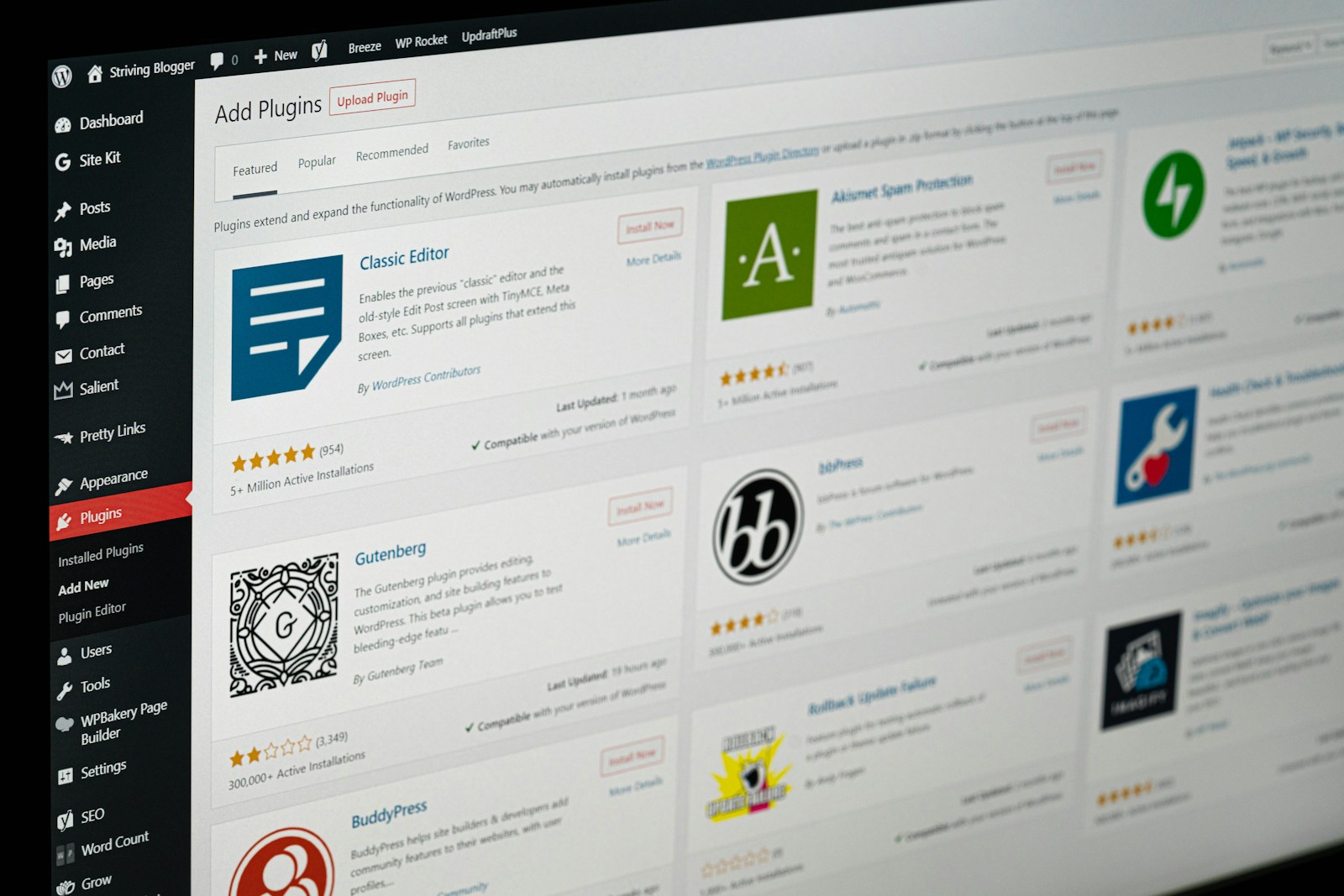
When it comes to building or maintaining a website, plugins often feel like magic. All you have to do is install, activate, and suddenly your site has all new capabilities. Whether you need better security, SEO tools, backups, or speed improvements, there’s a plugin for almost everything. But here’s the hidden truth many business owners don’t hear: more plugins do not equal better performance. In fact, too many plugins can do far more harm than good.
At Digital Evolution Marketing, I’ve seen websites with 30+ plugins installed, many of them overlapping, outdated, unused, or (worst of all) causing conflicts that slow down the site or break key features. Every plugins should have a purpose and installed sparingly. Every plugin that you add is an additional layer of code, maintenance, and risk.
To help you simplify your setup, strengthen your site’s performance, and avoid unnecessary bloat, here are five essential plugins every website should have. These give you the core functionality you actually need without cluttering your dashboard or harming your speed.
1. A Reliable SEO Plugin
An SEO plugin is foundational for any website that wants to rank well on Google—or even just communicate clearly with search engines. Yoast SEO and Rank Math are the two industry standards, and while both have advantages, the important thing is that you choose one, not both.
An SEO plugin gives you:
- Control over your meta titles and descriptions.
- Sitemap generation.
- Schema markup to help Google understand your content.
- Readability and keyword guidance.
- Redirects and broken link monitoring (depending on the version).
Without an SEO plugin, your site is essentially missing core communication tools that help search engines understand what each page is about. With one, you create a scalable foundation for strong ranking, clear indexing, and better on-page optimization.
Important Tip: Avoid installing multiple SEO plugins—this leads to conflicts and duplicate metadata that can actually harm your visibility.
2. A Security Plugin
If you own a website, you also own security responsibilities—whether you realize it or not. Hackers target small and medium websites more frequently than large corporations because they assume smaller sites have weaker security. Unfortunately, they’re often right.
A solid security plugin helps protect your website by:
- Blocking suspicious login attempts.
- Scanning for malware.
- Detecting file changes.
- Guarding against brute-force attacks.
- Limiting unauthorized access.
- Providing firewall protection.
Wordfence is known for its powerful firewall and malware scanner, while iThemes Security provides strong hardening features. Either one gives your site a critical layer of defense—without requiring advanced technical knowledge.
Important Tip: Security plugins perform deep scanning, so avoid installing multiple ones. One strong security plugin is all you need.
3. A Caching or Performance Plugin
Site speed matters. It affects user experience, SEO rankings, bounce rates, and conversion rates. In fact, Google openly states that page speed is a ranking factor. A sluggish site loses customers before they ever see your content.
A caching or performance plugin improves load times by:
- Storing static versions of your pages.
- Compressing files.
- Minifying CSS and JavaScript.
- Optimizing images.
- Reducing server load.
- Enhancing Core Web Vitals.
WP Rocket is the gold standard because of its simple interface and powerful optimization tools. LiteSpeed Cache is an excellent free alternative if your server supports LiteSpeed technology.
Regardless of which you choose, this is one plugin category every website needs. Fast sites convert better and perform better—period.

4. A Backup Plugin
Backups are like insurance—you hope you never need them, but when you do, they save you from disaster.
Things can—and do—go wrong with websites:
- Failed updates.
- Plugin conflictsServer crashes.
- Hacked files.
- Theme errors.
A backup plugin ensures your site can be restored to a previous version within minutes, avoiding data loss, downtime, or expensive repairs.
UpdraftPlus is one of the most reliable backup plugins available, offering scheduled backups and easy restores. VaultPress (from Jetpack) provides real-time backups, which is great for eCommerce or high-traffic sites.
Important Tip: Never rely solely on your hosting company for backups. A plugin gives you control, access, and peace of mind.
5. A Contact Form Plugin
Every website needs a way for customers to reach you, request services, or submit inquiries. A contact form plugin makes this possible with customizable, secure, and spam-protected forms.
Gravity Forms and WPForms are both powerful, user-friendly solutions that allow you to create:
- Contact forms.
- Inquiry forms.
- Quote forms.
- Surveys.
- Appointment requests.
- Multi-step forms.
Forms built into your theme or page builder may not provide the reliability, deliverability, or customization you need. A dedicated form plugin ensures your messages reach the right inbox and gives you full control over the experience.
The Importance of Using Plugins Wisely
With thousands of plugins available, it’s easy to get carried away—especially when so many offer tempting features. But each plugin you add increases the load on your server, introduces new scripts, and creates potential conflicts.
Too many plugins can cause:
- Slow load times.
- Poor Core Web Vitals.
- Increased security vulnerabilities.
- Admin dashboard clutter.
- Website crashes.
- Version conflicts across PHP, themes, and WordPress.
The goal isn’t to collect plugins. The goal is to use only what’s necessary, choose reputable developers, and ensure everything is maintained and updated. A streamlined, intentional plugin setup is one of the best things you can do for your website’s health and long-term performance.
Need Help Choosing the Right Plugins for Your Website?
Every website is unique. Themes, builders, hosting environments, and business goals all influence which plugins are truly necessary—and which ones will only slow you down.
Instead of guessing your way through it, let’s make sure your site is lean, secure, optimized, and built for performance. With years of experience managing and optimizing WordPress sites of all kinds, I can help you choose the right plugin setup for your specific needs.
If you’d like support optimizing your website or want a professional audit of your current plugins, reach out anytime. I’d be happy to help you create a faster, safer, and more efficient website.