Your business website may look perfectly normal today. Pages are loading, contact forms are working, and customers can still find you online.
But what if the software running behind the scenes has a serious security vulnerability, and you don’t even know it?
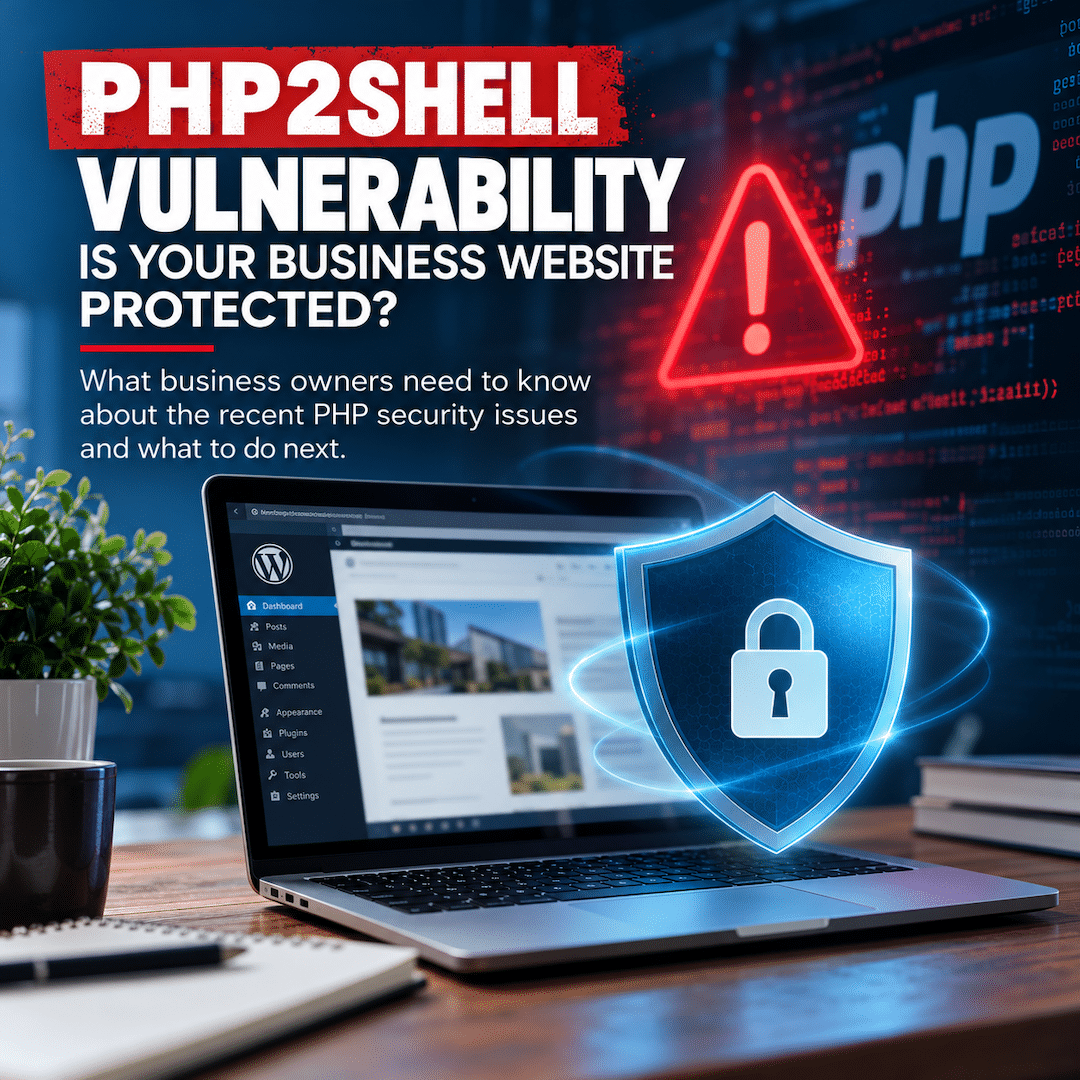
That’s exactly the type of situation businesses are facing following the discovery of two critical PHP vulnerabilities this week.
On October 21, 2026, emergency security updates were released to address vulnerabilities affecting PHP, the programming language that powers millions of websites, including those built on WordPress.
And while the necessary fixes are now available, there’s an important distinction business owners need to understand:
Just because a security patch exists doesn’t necessarily mean your website has received it.
As a website developer and digital marketing professional, situations like this remind me why ongoing website maintenance is so important. Your website isn’t something you build once and forget about. It requires ongoing attention, technical oversight, and regular security updates.
Let’s break down what happened, what’s been done to address it, and what business owners should do next.
What Is the PHP2Shell Vulnerability?
PHP is a programming language responsible for much of the functionality behind millions of websites.
Think of it as part of the engine that keeps your website running.
On October 20, 2026, the PHP security team issued an advance warning regarding two critical vulnerabilities, collectively referred to as PHP2Shell.
The vulnerabilities, identified as CVE-2026-109618 and CVE-2026-109619, each received a critical severity score of 9.2 out of 10.
In certain circumstances, these vulnerabilities could allow attackers to execute unauthorized code on an affected web server without needing to log in.
That means an attacker could potentially compromise website files, access sensitive information, disrupt services, or carry out other malicious activity.
What makes this situation particularly concerning is that the vulnerabilities exist within PHP itself, not just within a particular WordPress plugin or theme.
In other words, even if your WordPress installation and plugins are completely up to date, your website could still be vulnerable if the underlying PHP environment hasn’t received the necessary security patches.
Having a security plugin installed is beneficial, but it doesn’t replace the need to maintain the software running on your server.
What’s Been Done to Address PHP2Shell?
The good news is that the PHP development team acted quickly.
On October 21, 2026, emergency security updates were officially released to address both vulnerabilities.
The following PHP versions include the necessary fixes:
| PHP Branch | Patched Version |
|---|---|
| PHP 8.2 | 8.2.35 |
| PHP 8.3 | 8.3.36 |
| PHP 8.4 | 8.4.27 |
| PHP 8.5 | 8.5.12 |
If your website runs an earlier version within one of these branches, it may require an update.
Older versions, including PHP 8.1 and below, no longer receive standard security updates from the PHP project. However, some hosting providers and operating-system vendors offer special security patches for older versions, including fixes adapted from newer releases.
In response to PHP2Shell, the PHP security team also provided limited source-code fixes for PHP 7.4, 8.0, and 8.1.
Because of these differences, your displayed PHP version alone may not tell the whole story. A hosting provider or qualified developer should verify whether the appropriate security updates have been applied.
The bottom line: The official fixes are available, but website owners still need to confirm that their hosting environments have been properly patched.
Is Updating PHP Enough to Protect Your Website?
Installing the appropriate PHP update is the most important step, but the process shouldn’t necessarily end there.
Depending on the hosting environment, additional actions may be needed to ensure the security changes are active.
Verify That the Updated PHP Version Is Actually Running
Some hosting environments use multiple PHP installations or configurations.
The version displayed in a hosting dashboard or command-line interface may not always match the PHP installation actively serving your website.
A hosting provider or server administrator should confirm that your live website is using the patched software or an appropriate vendor-supported security fix.
Restart PHP Processes When Necessary
Updating PHP software doesn’t always mean existing server processes immediately begin using the updated code.
Some environments require PHP-FPM, Apache, or other long-running processes to be restarted or replaced before the changes take effect.
For websites on managed hosting, this responsibility typically falls to the hosting provider.
Review Additional Security Settings
The PHP security team has recommended temporary measures for environments that cannot be patched immediately.
These include adjustments to PHP’s upload-progress functionality and certain server configuration settings.
For example, administrators may review the following setting:
session.upload_progress.enabled = Off
Disabling this feature can reduce exposure to one confirmed attack method. However, it does not address every possible attack path.
These server-level changes should be handled by a qualified professional, especially when a website relies on custom functionality or third-party integrations.
Temporary security measures are not a substitute for applying the official patches.
Check for Signs of Previous Compromise
This is another important distinction.
Installing a security patch addresses the known vulnerability going forward, but it doesn’t automatically reverse damage from an earlier attack.
If a website was exposed before the necessary updates were installed, a qualified professional may need to review server logs, investigate unusual activity, inspect website files, or assess whether passwords and other credentials should be changed.
A website appearing to function normally doesn’t necessarily prove that no suspicious activity occurred.
What About Cloudflare and Website Firewalls?
Another important development came from Cloudflare, a company that provides website performance and security services.
On October 21, Cloudflare announced that it had deployed protections against known PHP2Shell attack methods through its Web Application Firewall (WAF).
These protections were made available to customers using Cloudflare’s WAF, including those on its free plan.
That’s encouraging news for businesses already using Cloudflare to help protect their websites.
A web application firewall adds a protective layer by examining web traffic and helping block suspicious requests before they can cause harm.
However, there’s an important limitation.
Cloudflare is an additional layer of protection, not a replacement for updating PHP.
A properly configured firewall, regularly maintained WordPress installation, secure hosting environment, and current server software all work together to create a stronger website security strategy.
Businesses should also confirm that their website traffic is actually passing through the applicable firewall protections, rather than assuming that simply having a Cloudflare account provides complete coverage.
Business Owners: 5 Things You Should Do Right Now
You don’t need to be a programmer or website developer to take the first steps toward protecting your business website.
Here are five things worth checking.
1. Find Out Which PHP Version Your Website Uses
If your business website runs on WordPress, you can generally locate your PHP version by following these steps:
- Log in to your WordPress dashboard.
- Navigate to Tools → Site Health.
- Select the Info tab.
- Expand the Server section.
- Look for the PHP version listed.
If your website is running an older version, contact your hosting provider or website developer to determine whether the necessary security patches are installed.
Keep in mind that certain hosting environments receive vendor-specific security fixes without changing the displayed PHP version number.
Avoid making major PHP version changes yourself without confirming compatibility, as these updates can sometimes affect website functionality.
2. Contact Whoever Manages Your Website
If you work with a website developer, marketing agency, or hosting provider, now is a good time to ask a few questions:
- Has my website been reviewed for the PHP2Shell vulnerabilities?
- Is my website using a patched version of PHP?
- Have the necessary server processes been restarted, if required?
- Are my WordPress installation, themes, and plugins updated?
- Has anyone reviewed the website for signs of suspicious activity?
- Who is responsible for addressing future security vulnerabilities?
You should have a clear understanding of who’s handling these responsibilities.
And if you’re not sure who that person is, that’s a good indication that your website maintenance arrangement deserves another look.
3. Verify That Your Website Is Properly Backed Up
Website backups are essential.
Whether the issue involves a security vulnerability, a failed software update, or a hosting problem, having reliable backups can make recovery significantly easier.
Ideally, backups should be performed regularly, stored securely, and periodically tested to ensure they can actually be restored.
Backups should also be appropriately protected and retained so that a recent problem doesn’t leave you with only compromised or unusable copies.
Remember, a backup strategy is only as useful as your ability to recover your website when you need it.
4. Review Your Website’s Overall Security
Keeping PHP updated is only one piece of the puzzle.
Your website also relies on WordPress, plugins, themes, hosting services, user accounts, and other technical components.
Each one requires appropriate maintenance.
Security plugins, website firewalls, strong passwords, multi-factor authentication, and regularly updated software all contribute to stronger website protection.
However, no individual security tool guarantees complete protection.
Your security measures should work together, rather than relying on a single plugin, firewall, or hosting feature.
5. Establish an Ongoing Website Maintenance Plan
This is arguably the most important takeaway.
Security vulnerabilities aren’t a one-time occurrence.
New vulnerabilities are discovered, software versions change, and hosting environments evolve.
The question isn’t simply whether your website is updated today.
It’s whether someone will be paying attention when the next important security update becomes available.
Your Time Is Money. Website Maintenance Shouldn’t Be Another Full-Time Job.
As a fellow business owner, I understand something important:
Your time is valuable.
You’re busy serving customers, managing employees, handling daily operations, and figuring out how to grow your business.
You shouldn’t have to spend your mornings researching PHP vulnerabilities, reviewing server configurations, or trying to determine whether your website received an emergency software update.
And frankly, most business owners don’t want to. They want their website to work. They want customers to find them online, forms to function correctly, pages to load quickly, and their business to maintain a professional online presence.
But behind every well-functioning business website is a combination of software, hosting infrastructure, security settings, and ongoing maintenance.
When those components are neglected, problems can develop without any obvious warning.
An outdated website isn’t necessarily going to display a flashing red alert telling you something is wrong.
Sometimes everything looks fine until it isn’t.
And when something does go wrong, the consequences can extend beyond a temporary website inconvenience.
Depending on how your business uses its website, an outage or security issue could mean missed customer inquiries, disrupted appointments, damaged credibility, and valuable time spent troubleshooting.
That’s why professional website management isn’t simply about fixing things when they break.
It’s about being proactive, reducing avoidable risks, and having someone who understands the technical side of your online presence.
How Digital Evolution Marketing Helps Businesses Maintain Their Websites
At Digital Evolution Marketing, I do more than design and develop websites. I work with business owners to help maintain the technology supporting their online presence.
That includes understanding how different website components interact, from WordPress and plugins to hosting environments, domain settings, DNS configurations, and server requirements.
Depending on your website’s setup and maintenance agreement, my services can include:
WordPress Maintenance
Reviewing and applying updates to WordPress core software, plugins, and themes while considering compatibility and website functionality.
PHP and Hosting Reviews
Checking PHP versions, reviewing hosting requirements, and coordinating necessary changes with hosting providers when server-level updates are needed.
Website Backups
Helping establish and maintain appropriate backup arrangements so businesses have a recovery option when unexpected problems occur.
Security-Related Maintenance
Reviewing available website security protections, administrative access, software updates, and potential maintenance concerns.
Website Performance and Functionality Checks
Identifying issues affecting website speed, functionality, user experience, and overall reliability.
Technical Troubleshooting
Investigating website errors, hosting complications, DNS problems, configuration issues, and other technical concerns.
Ongoing Website Support
Providing business owners with a knowledgeable point of contact when website-related questions or technical problems arise.
Not every business needs the same maintenance solution.
A small informational website may have different requirements than a larger website with appointment scheduling, booking functionality, customer portals, or multiple third-party integrations.
My approach is to understand your website, your hosting environment, and your business needs before recommending an appropriate solution.
And while no website developer, hosting provider, or security service can guarantee that a website will never experience a problem, knowledgeable oversight and timely maintenance can help reduce unnecessary risks.
My goal is simple: Help you focus on running your business while I help take care of the technical side of keeping your website running.
Don’t Wait for a Security Vulnerability to Find Out Who’s Managing Your Website
The recent PHP2Shell situation highlights a challenge that isn’t going away.
Technology changes constantly.
The software powering your website today will eventually require updates, adjustments, or replacement.
And the website that was considered secure when you launched it several years ago may not meet today’s security standards.
That’s why website maintenance should be viewed as an ongoing business responsibility rather than an occasional task.
Before the next vulnerability makes headlines, ask yourself one simple question:
If a critical security issue affected my business website tomorrow, would I know who was responsible for addressing it?
If you’re unsure of the answer, now is a good time to find out.
Need Help Managing Your Business Website?
Whether you’ve recently heard about the PHP2Shell vulnerabilities or you’re simply unsure whether your WordPress website is being properly maintained, Digital Evolution Marketing can help you better understand your options.
I work with small businesses that need professional WordPress development, website maintenance, hosting coordination, and ongoing technical support.
Let’s discuss your current website setup, identify any maintenance concerns, and determine whether an ongoing website management solution makes sense for your business.
Sources and Additional Reading
- PHP Official Security Advisory — October 21, 2026
- Cloudflare: Protections Against PHP2Shell Vulnerabilities
- M.academy: PHP2Shell Explained
Security information reflects official guidance available as of October 22, 2026. Website owners should consult their hosting providers or qualified technical professionals to verify applicable updates and security configurations.